BEPRO Space
BEPRO Editor
Cerberus
Login & Signup
Request Match Analysis
0
BEPRO Space
Basic
Staff or Above
Create a training event
Learn how to training event
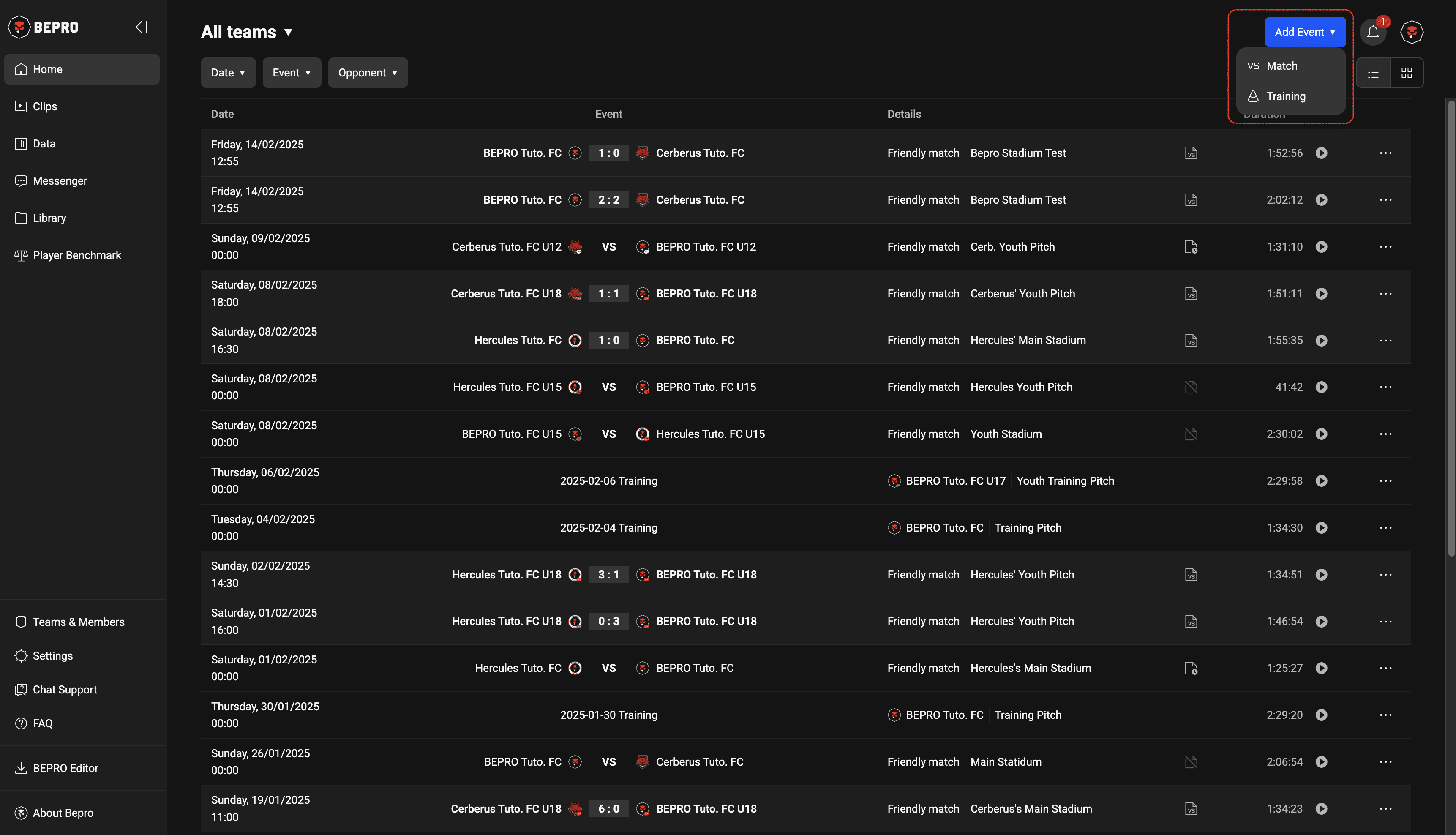
To register a training schedule, first press the Add Event button in the upper right corner of the home page and select the Training menu.
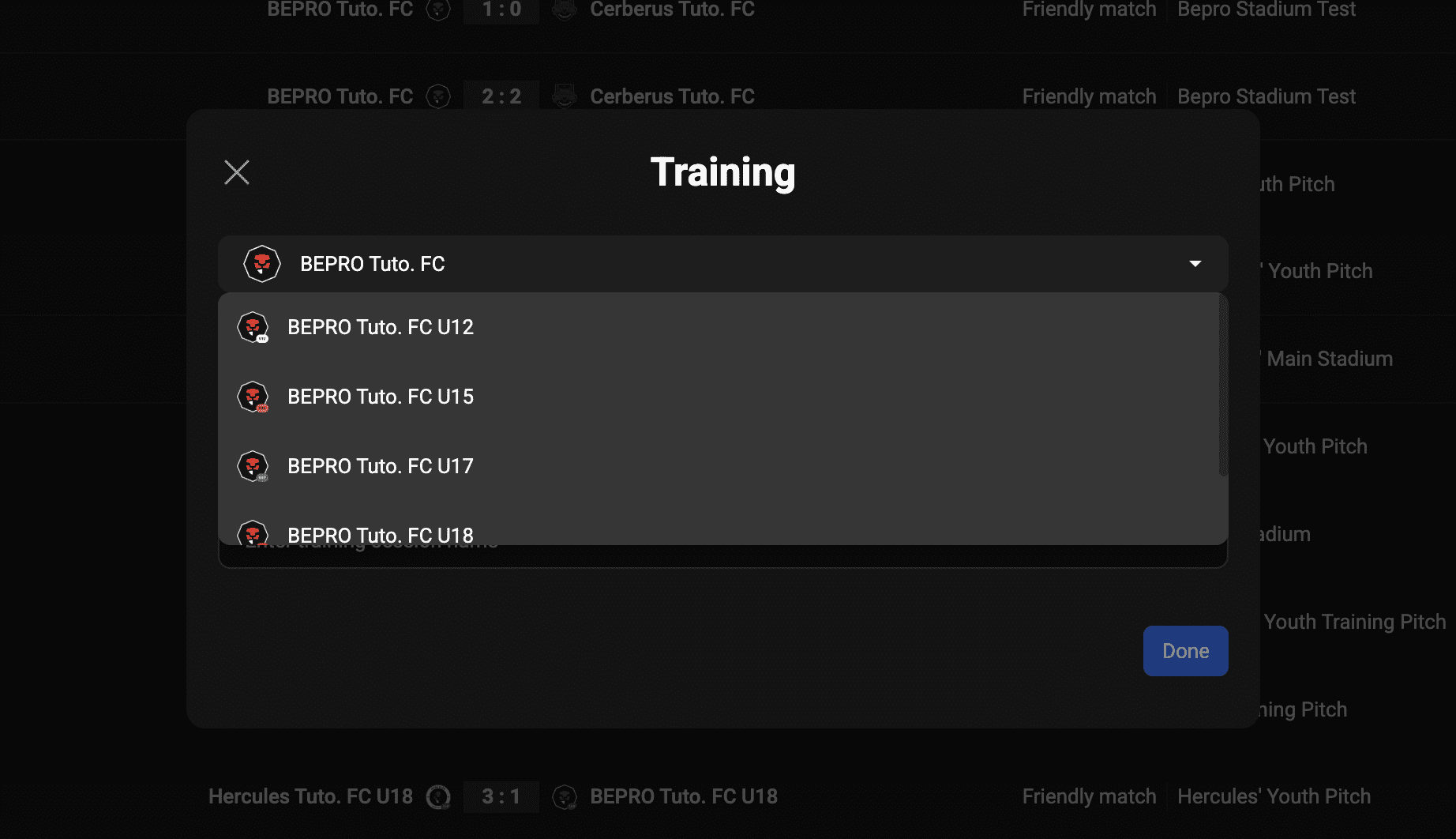
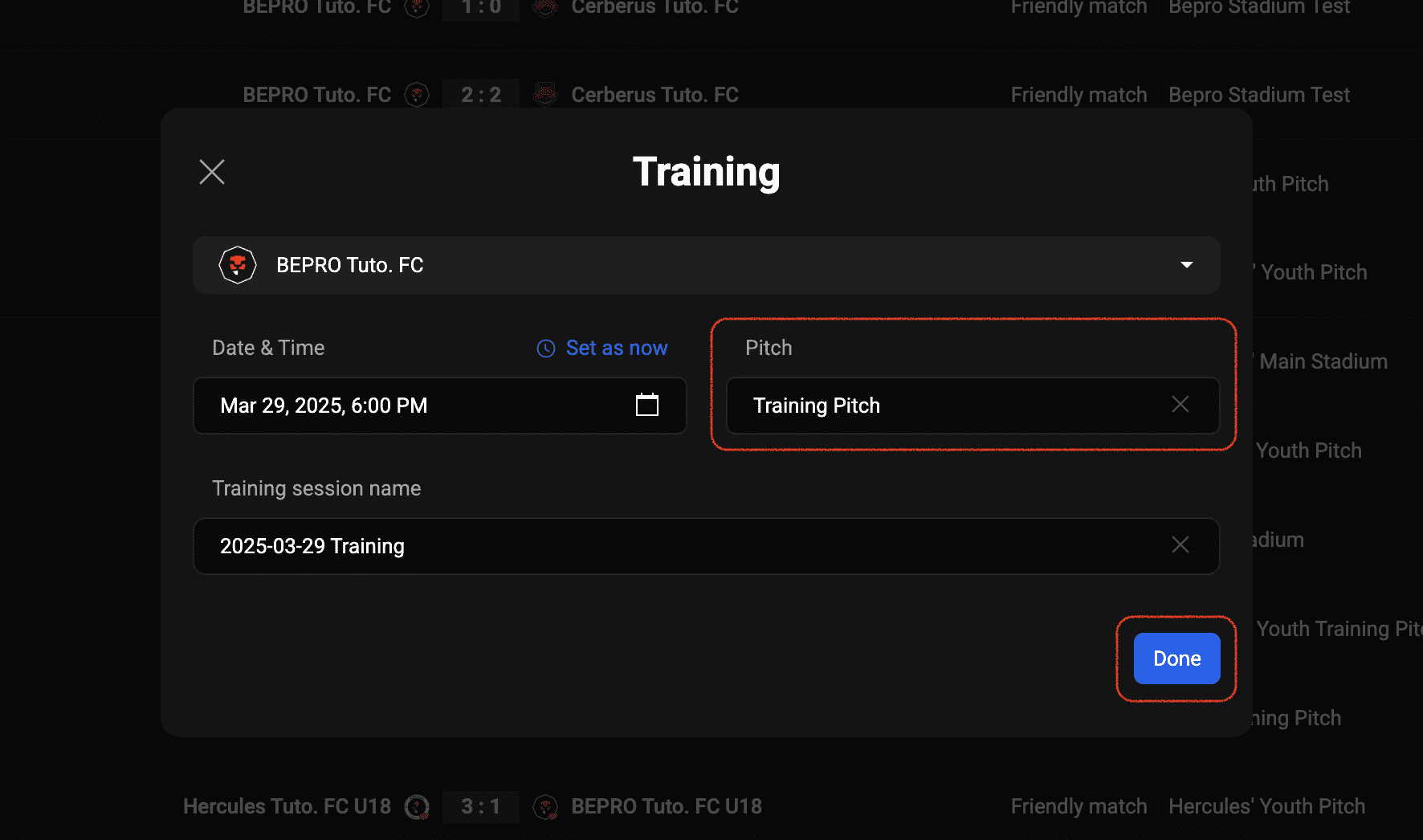
When the training creation modal appears, you first need to select which of your affiliated teams the training is for.
If you need to select a team other than the pre-selected affiliated team, press that button and select your desired team.
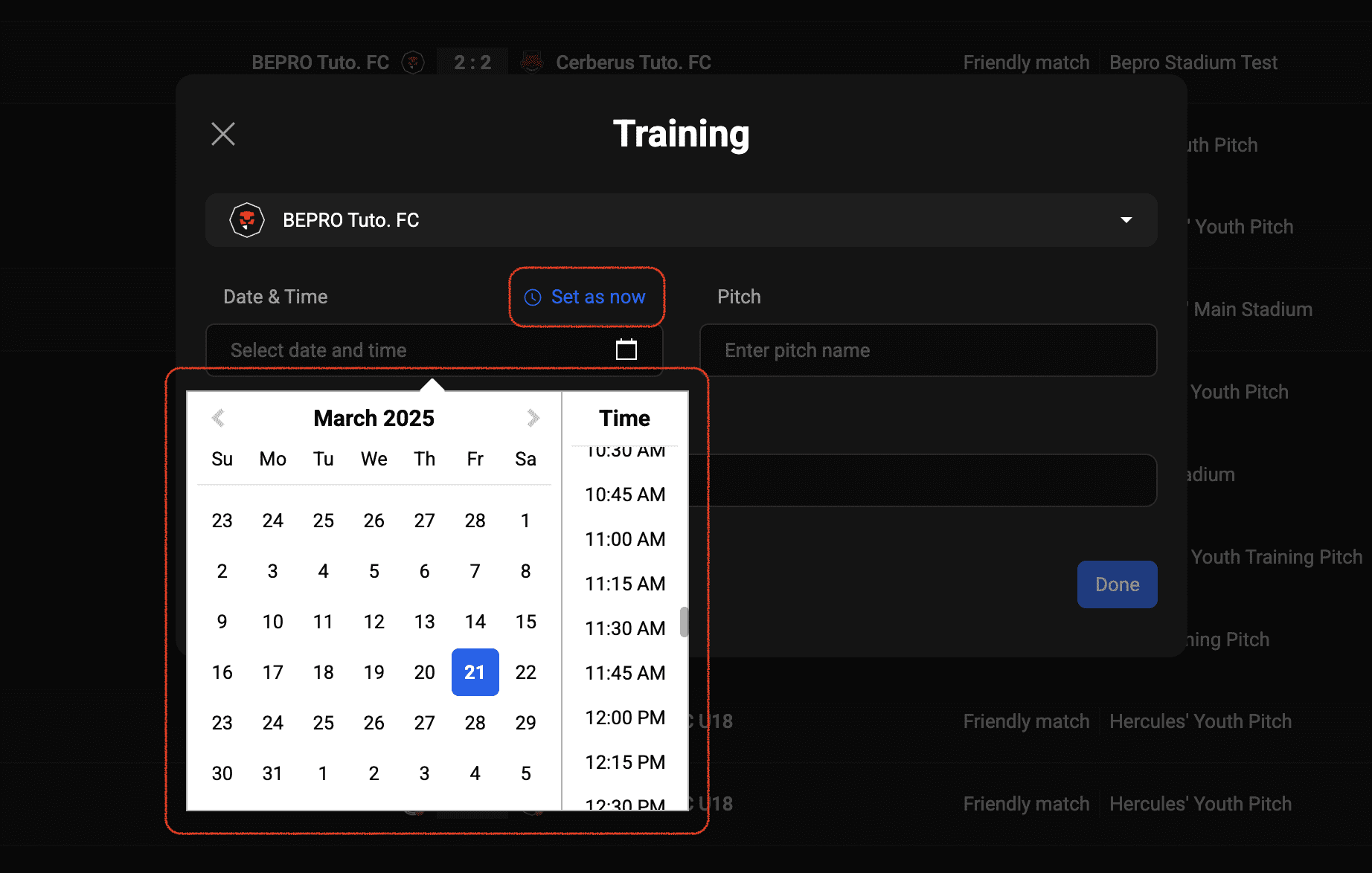
For the training schedule, you can easily enter the current time using Set as now if it's a past, future, or immediately starting session at the venue.
In this example, we'll register a future schedule.
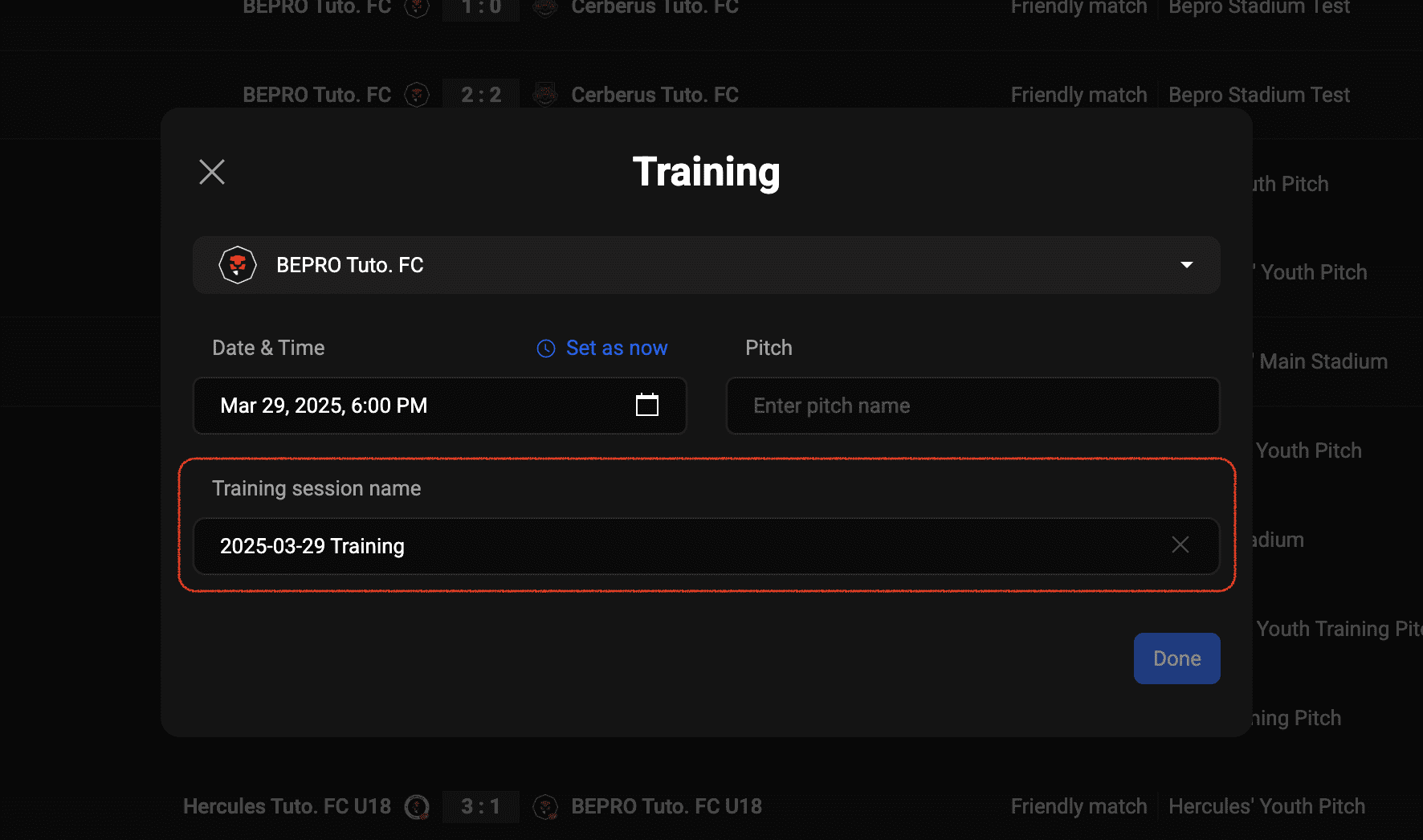
When you enter the schedule, the training title is automatically generated based on the date information.
If you have a preferred training name, please enter it, but if not, you can leave it as is.
Finally, enter the Pitch information and press Done.
The moment you press the Done button, the training schedule is created, and you can see that this schedule has been added to the home screen.
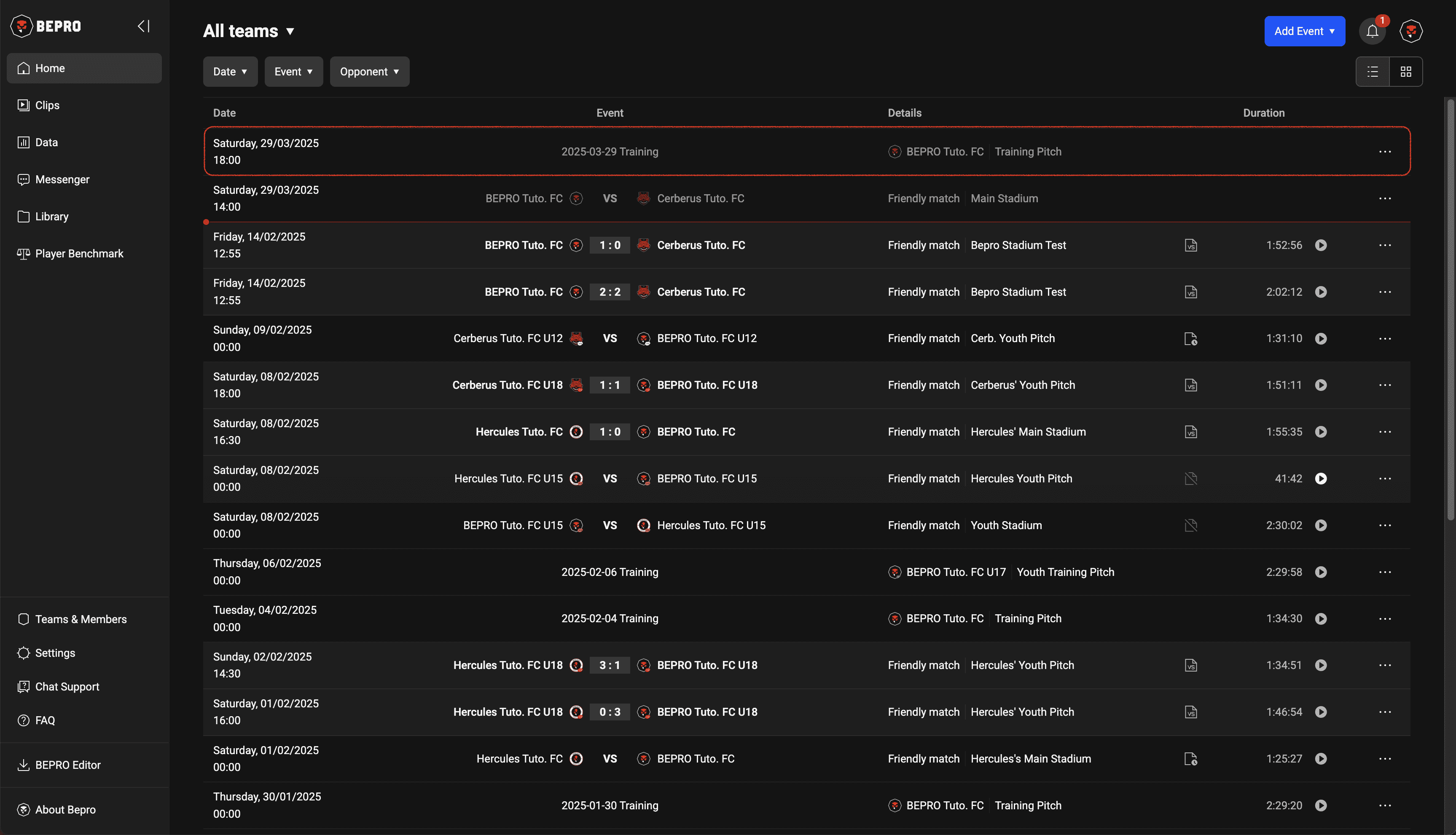
If you entered the schedule as past or current, it will immediately lead to the video upload screen.
If you're curious about video uploading, please check the next article.
Previous