BEPRO Space
BEPRO Editor
Cerberus
Login & Signup
Request Match Analysis
0
BEPRO Space
Basic
All Users
Join a team
Let's learn how to join a team in BEPRO Space
Team creation is done by the team administrator, and the remaining team members must join the team by receiving an invitation link from the administrator.
First, contact your team administrator to receive the team invitation link, then click on that link.
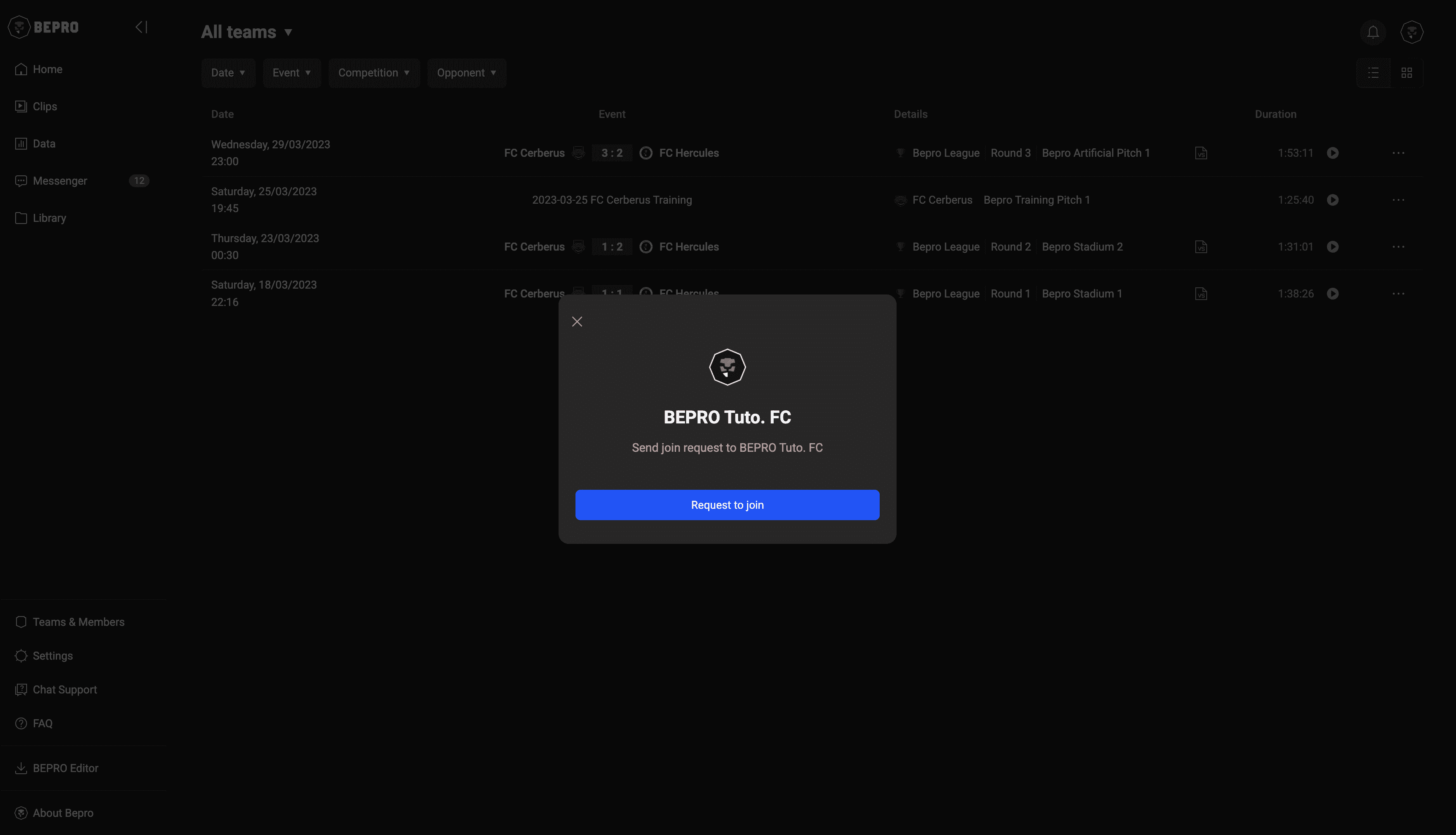
When clicked, a modal will appear allowing you to request to join the team.
Please click the "Request to Join" button.
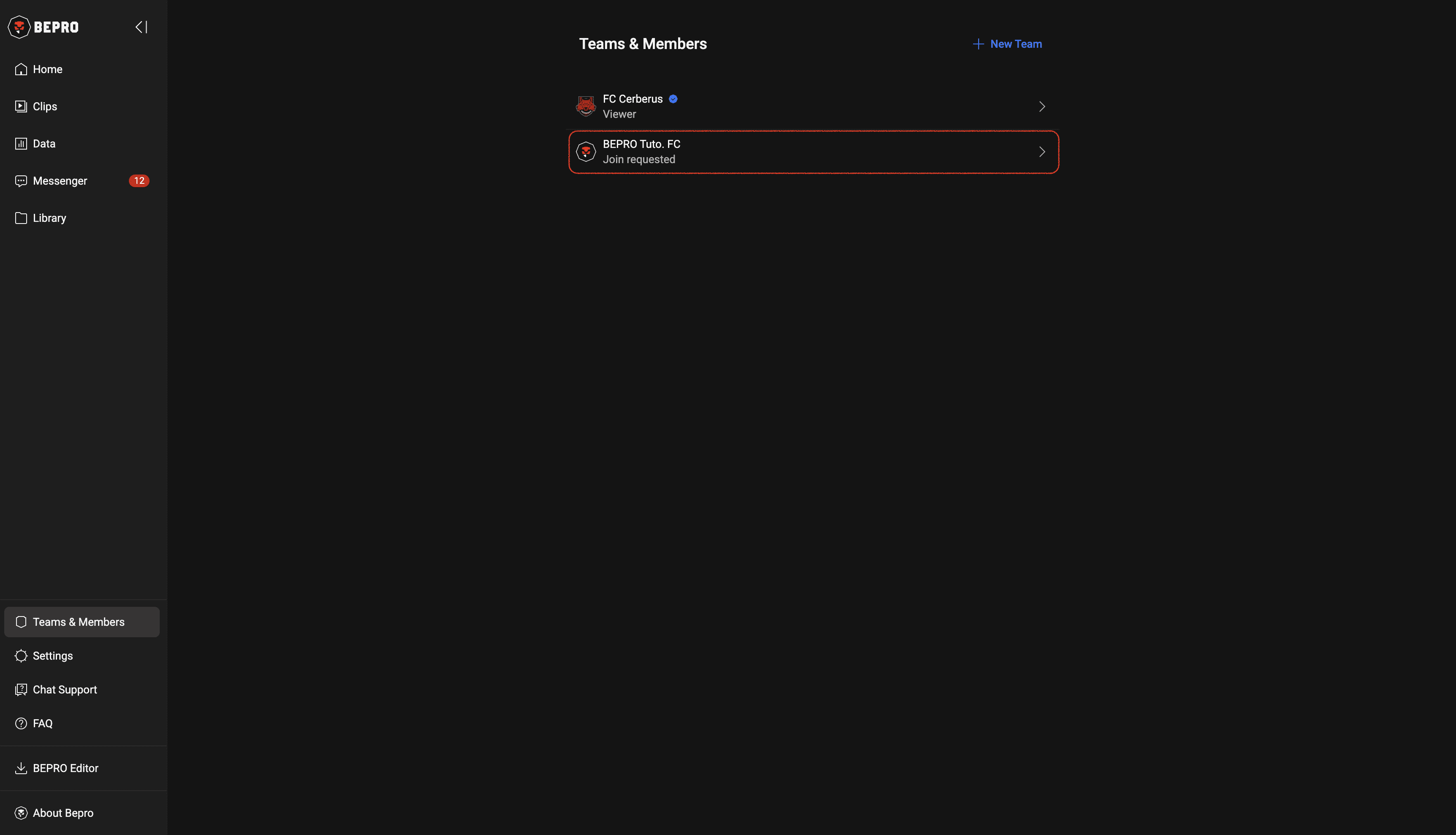
After pressing the "Request to Join" button, the team will appear on your Team & Members page, and your join request status will be displayed below the team name.
Once your join request is complete, either wait for a team staff member or administrator to review and process it, or directly ask them to approve your request.
The demo team only appears when you have no teams after newly registering, and it will automatically disappear once your join request is approved and you belong to a team.
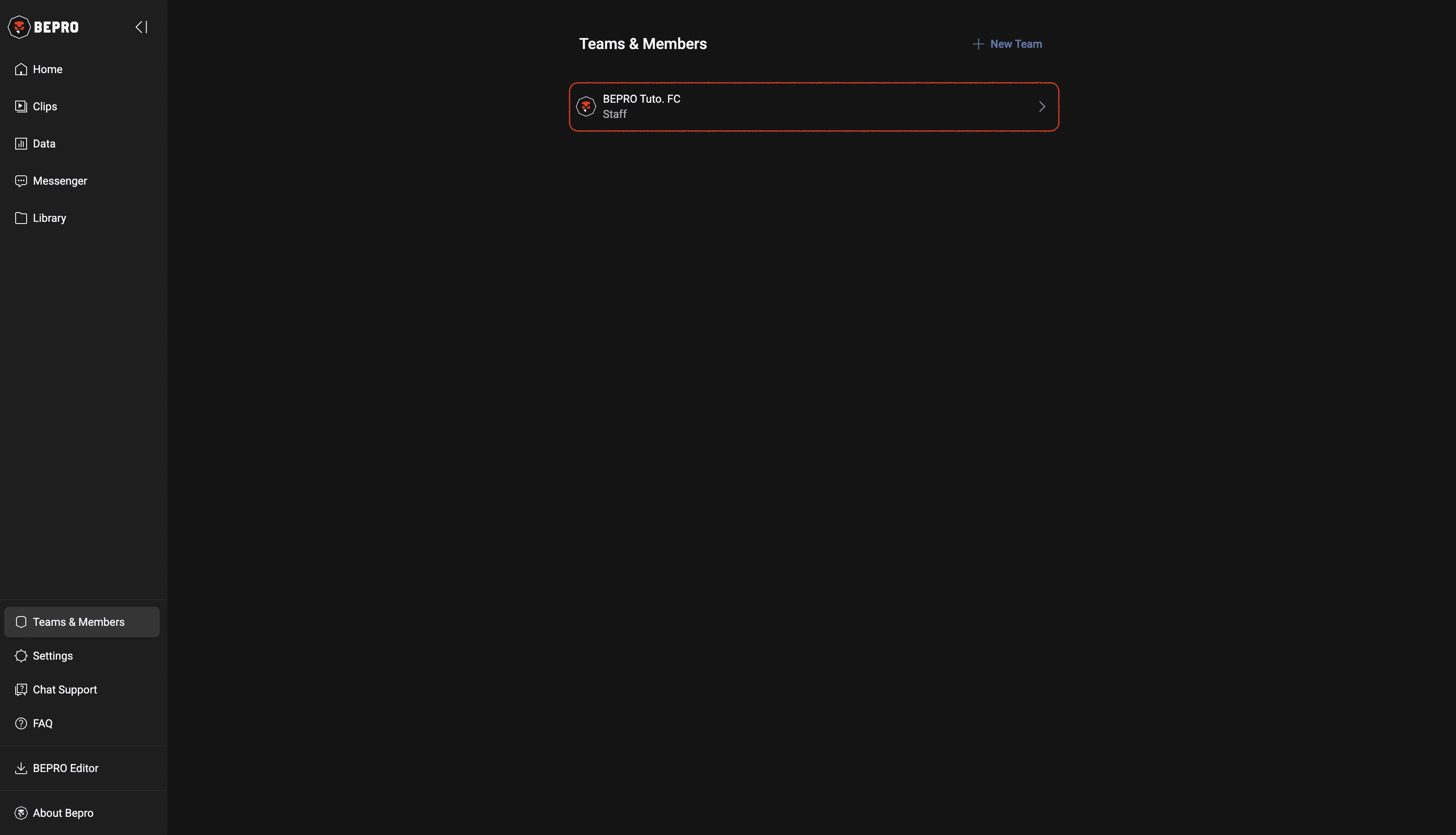
When your join request is approved, your role will be displayed below the team name.
Previous