BEPRO Space
BEPRO Editor
Cerberus
Login & Signup
Request Match Analysis
0
BEPRO Space
Basic
Staff or Above
Invite team members
Learn how to invite team members
Team staff or administrators can access the team invitation link and invite members to the team by sharing this link with team members.
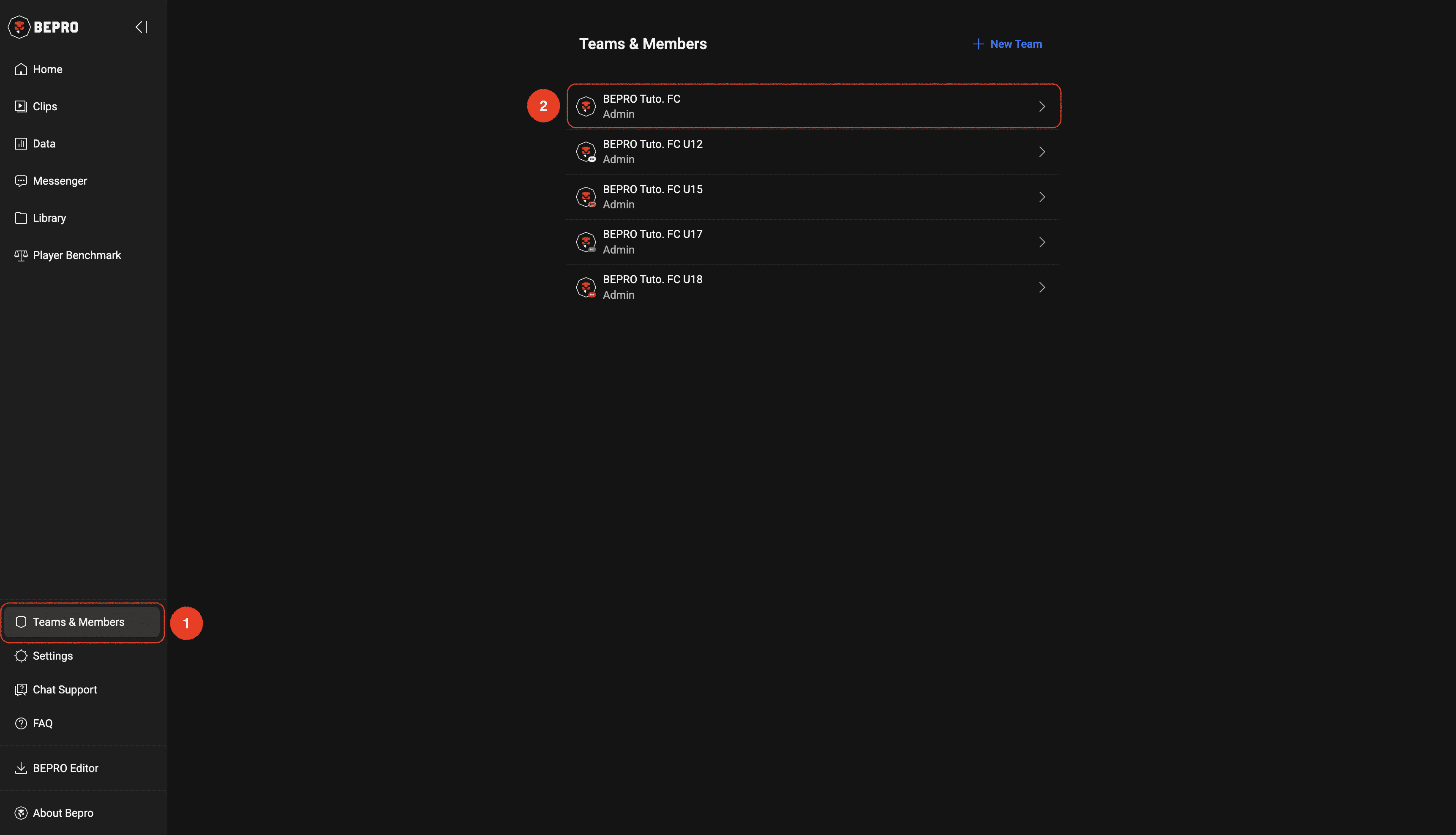
First, select the "Team & Members" menu from the side menu, then choose the team to which you wish to invite members.
Click the "Copy Link" button below the team information and wait briefly until a toast message appears indicating the link has been copied.
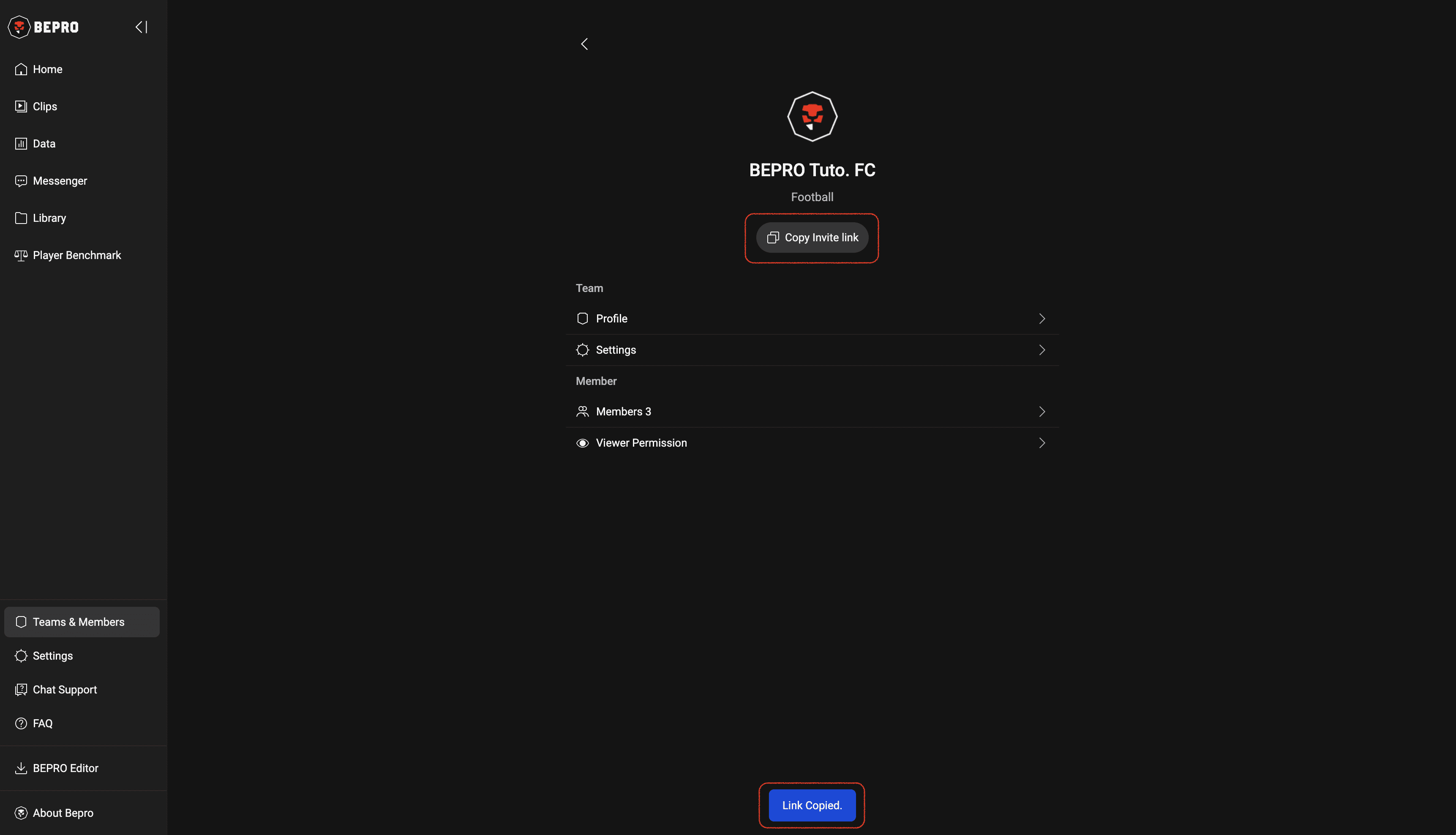
Now please share this link with the members you wish to invite.
Approving/Rejecting Join Requests
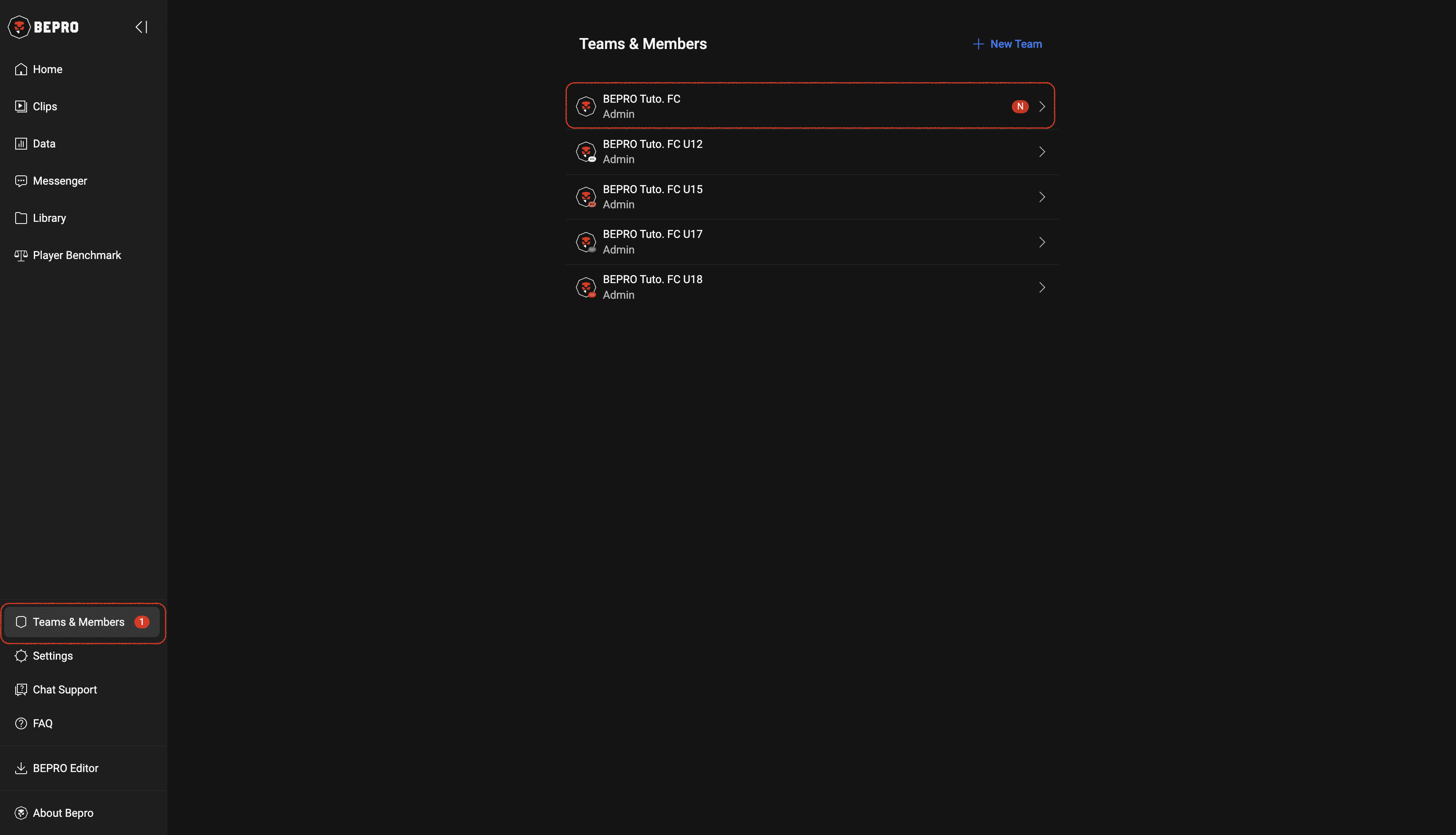
When team members request to join via this link, a number will appear on the right side of the "Team & Members" menu in the side menu.
When you click on the menu, a badge will also appear to the right of any team with pending join requests.
Please click on that team to navigate to the team management page.
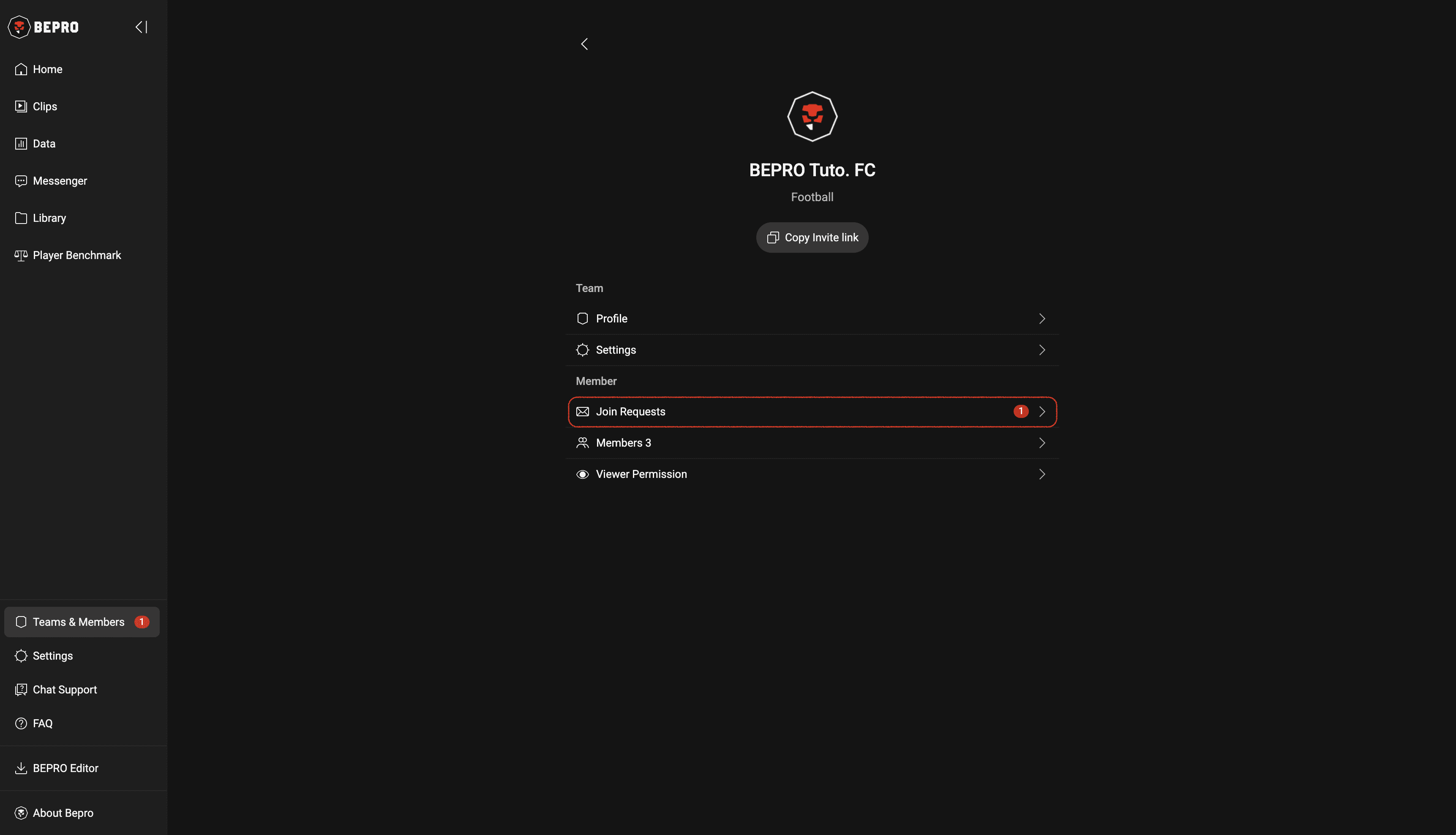
In the Members section of the team management page, a new "Join Requests" menu will appear along with the number of requests on the right.
Please click on this menu.
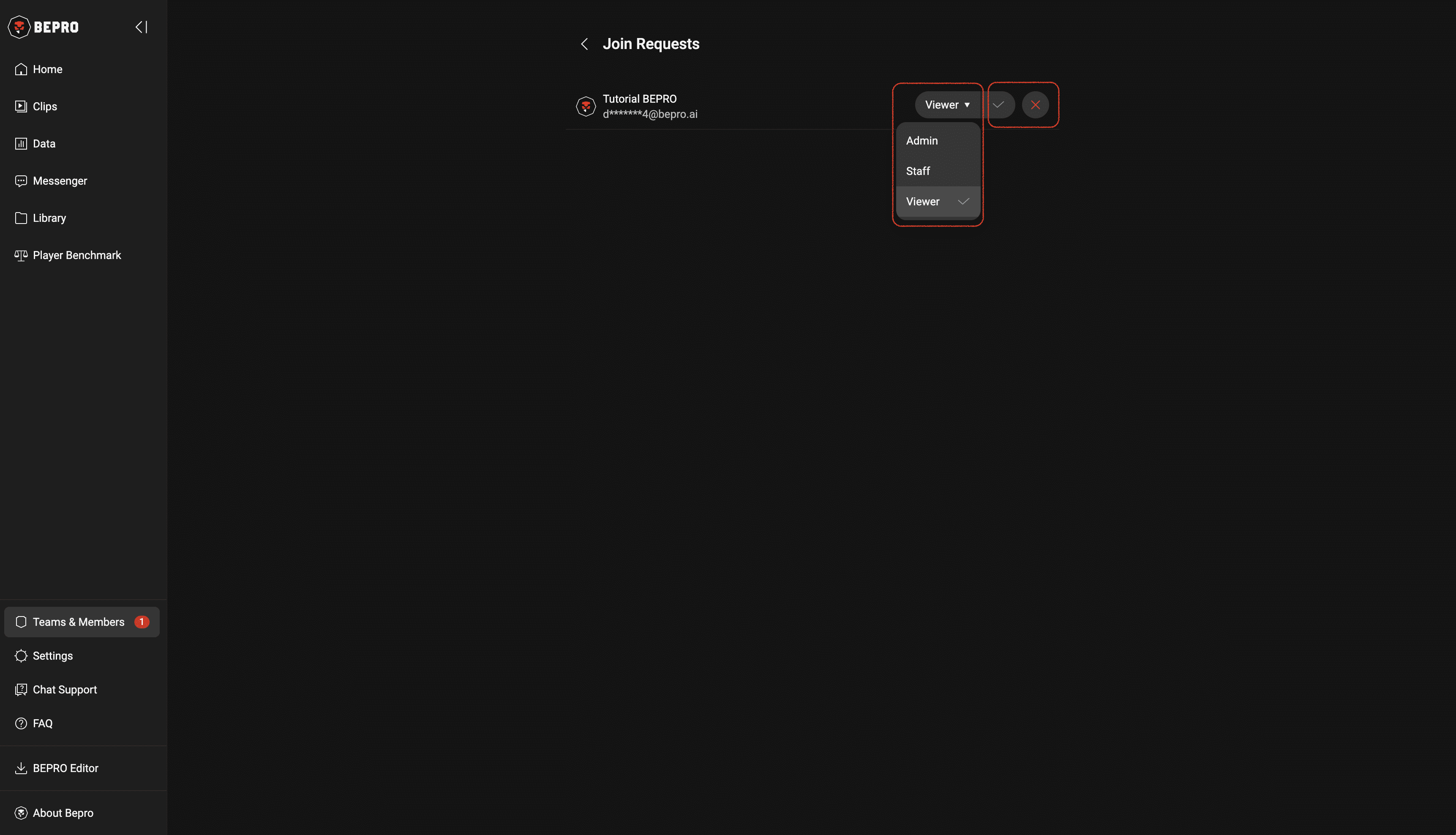
Please verify the name and brief account information of the user requesting to join.
The role is set to "Viewer" by default, but you can designate them as Staff or Administrator as needed.
Viewers basically have permission only to watch videos and view data.
Staff can create schedules and upload videos.
Administrators can access team contract and payment-related menus in addition to having all Staff permissions.
Previous