BEPRO Space
BEPRO Editor
Cerberus
Login & Signup
Request Match Analysis
0
BEPRO Space
Basic
All Users
Full Match & Training Videos
Let's learn how to play full match or training videos
You can access full match and training videos on the home page.
On the right side of the uploaded match and training list, a play button appears alongside the video duration, allowing you to play the video by clicking this button.
Additionally, by clicking the more options button on the far right, you can save the full match or training video to your library or download it.
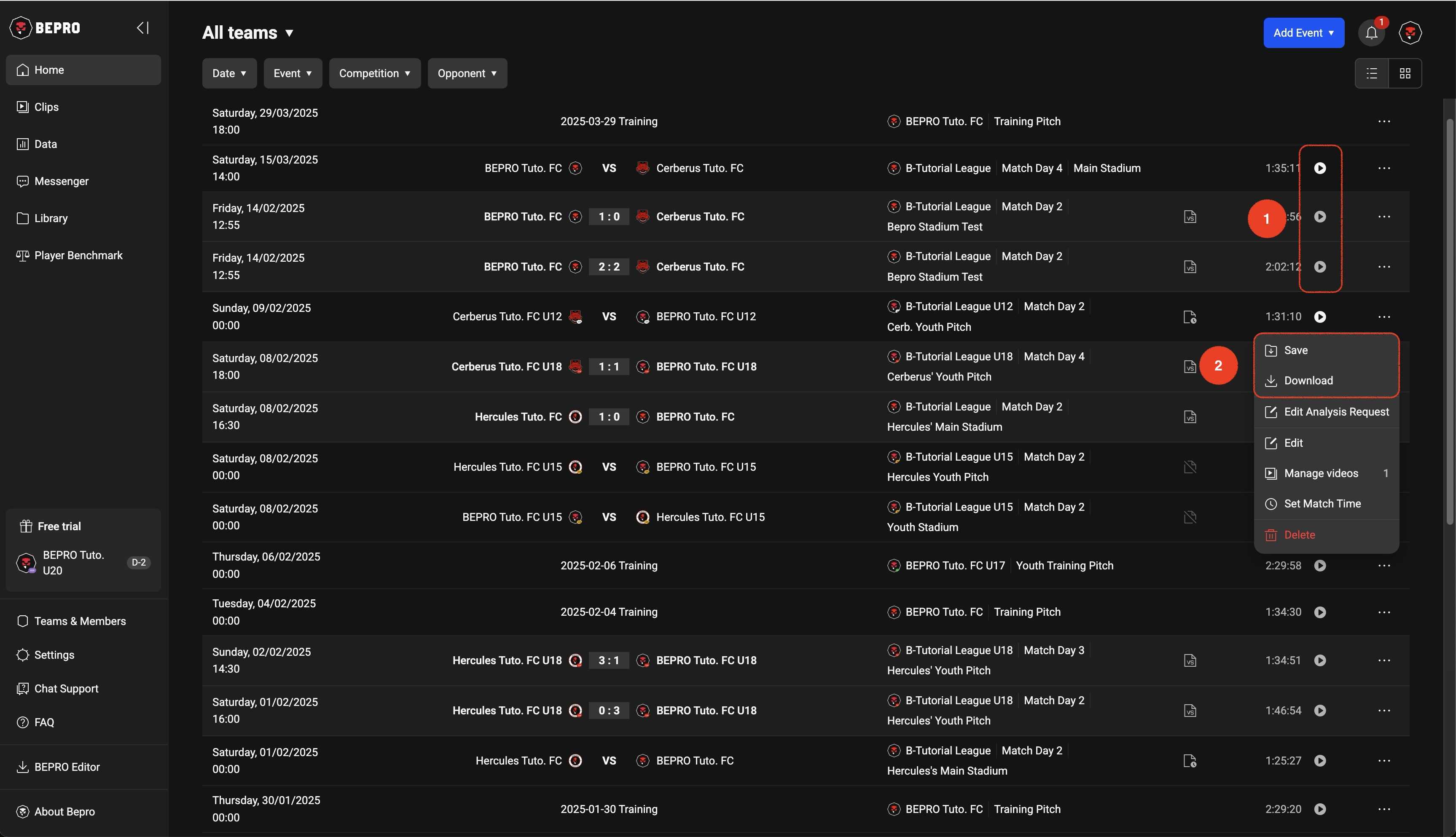
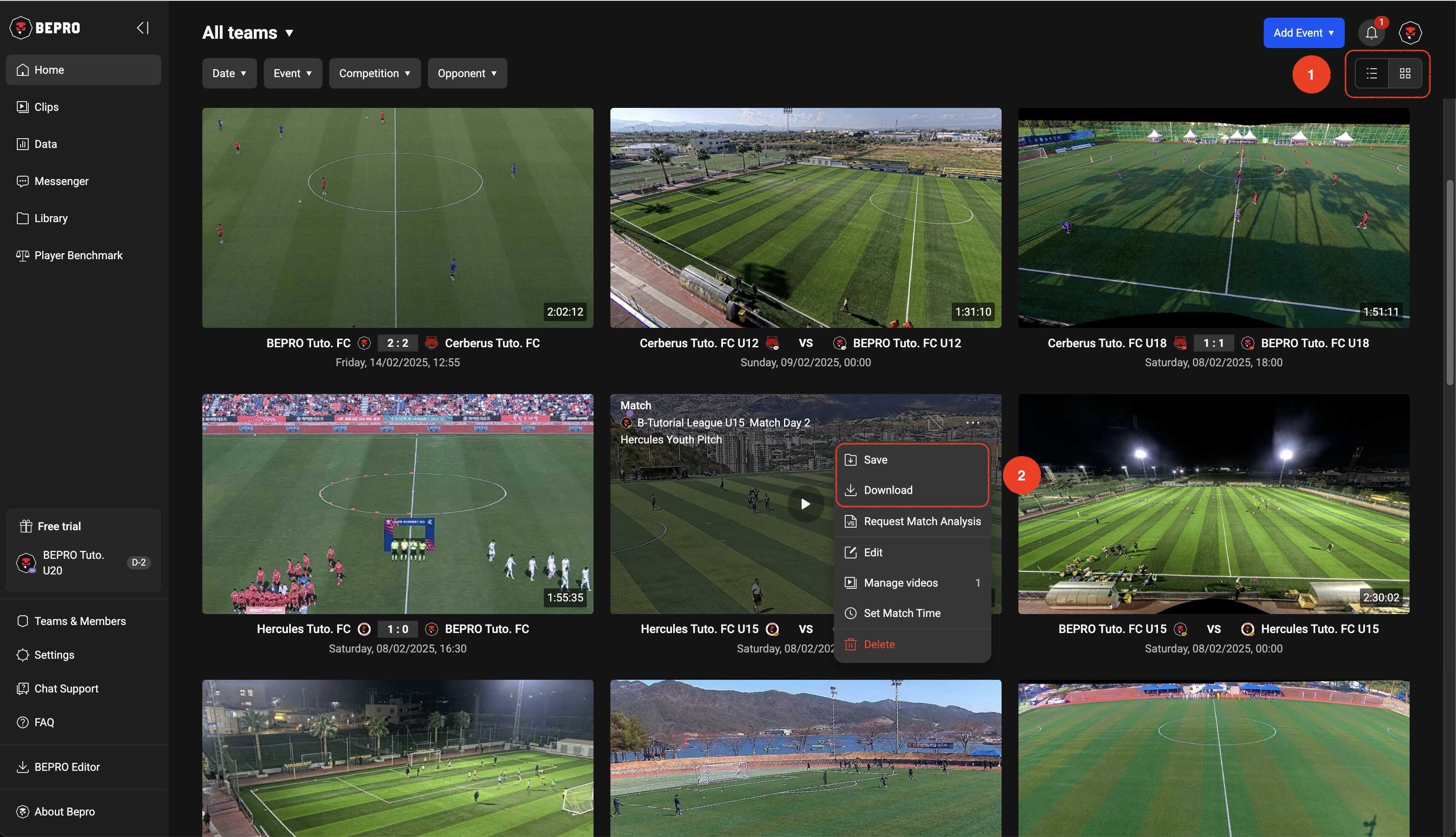
The schedule list is displayed as a list view by default, but you can switch to thumbnail view by clicking the button in the upper right corner of the page.
In thumbnail view, you can similarly play videos and click the more options button to save videos to your library or download them.
Previous
Next