BEPRO Space
BEPRO Editor
Cerberus
Login & Signup
Request Match Analysis
0
BEPRO Space
Basic
All Users
Schedule filters
Let's learn how to filter to find schedules you're looking for quickly
If you belong to multiple teams and these teams are participating in various leagues, it becomes difficult to quickly find the schedule you want as match and training schedules increase.
Schedule filters help you quickly find the schedule you're looking for in such situations.
At the top of the home screen, you can select one of the teams you have access to, or more specifically, filter schedules based on date, match/training type, competition, and opposing team.
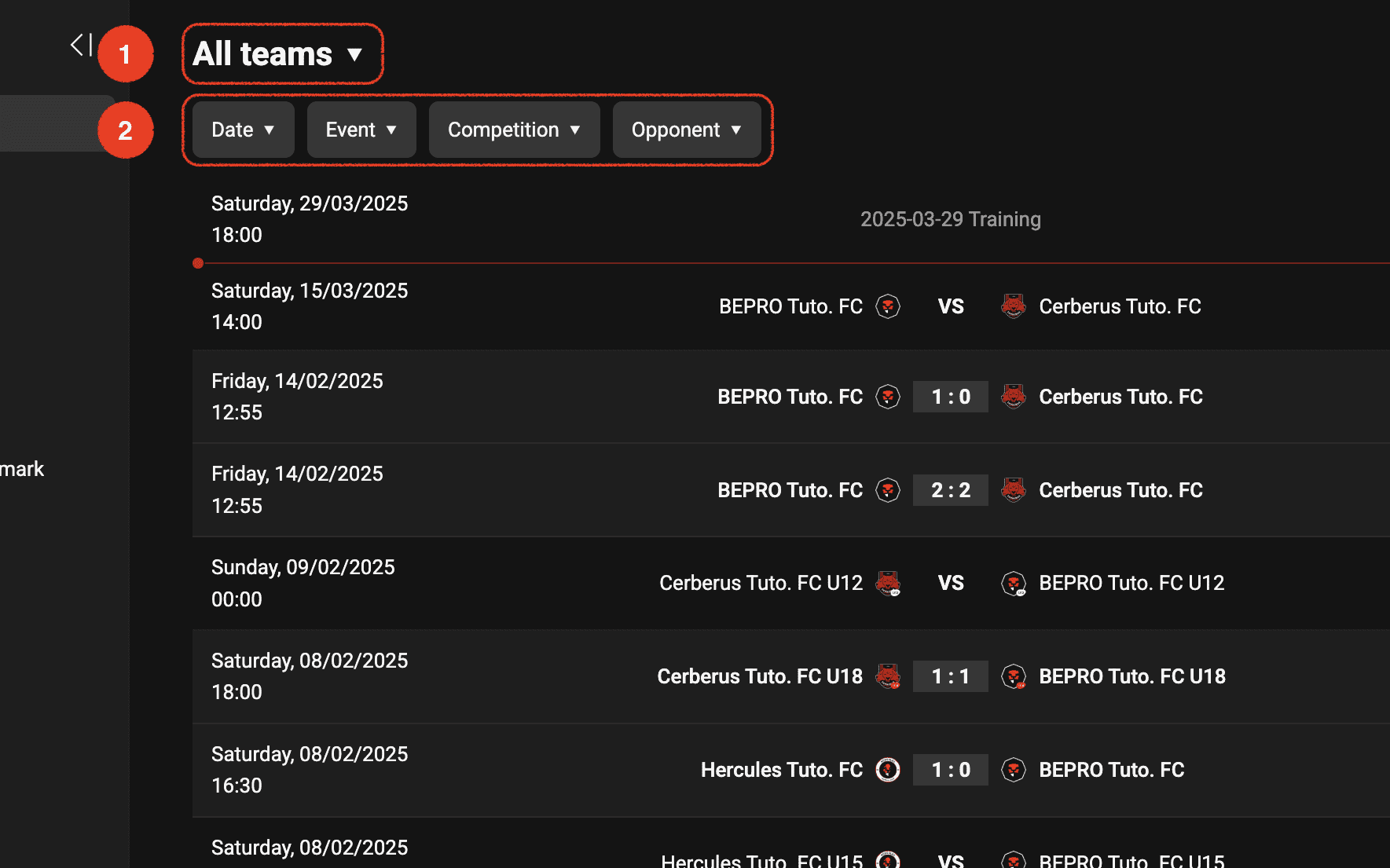
Selecting accessible teams, players, or leagues
When you press the team selection button, all teams you have access to will appear.
By default, all team options are selected, but you can select your affiliated team or opposing teams of matches you have access to from the list.
You can select not only teams but also players from each team or accessible leagues.If you have already selected targets and want to reset your selection, please click the Clear button
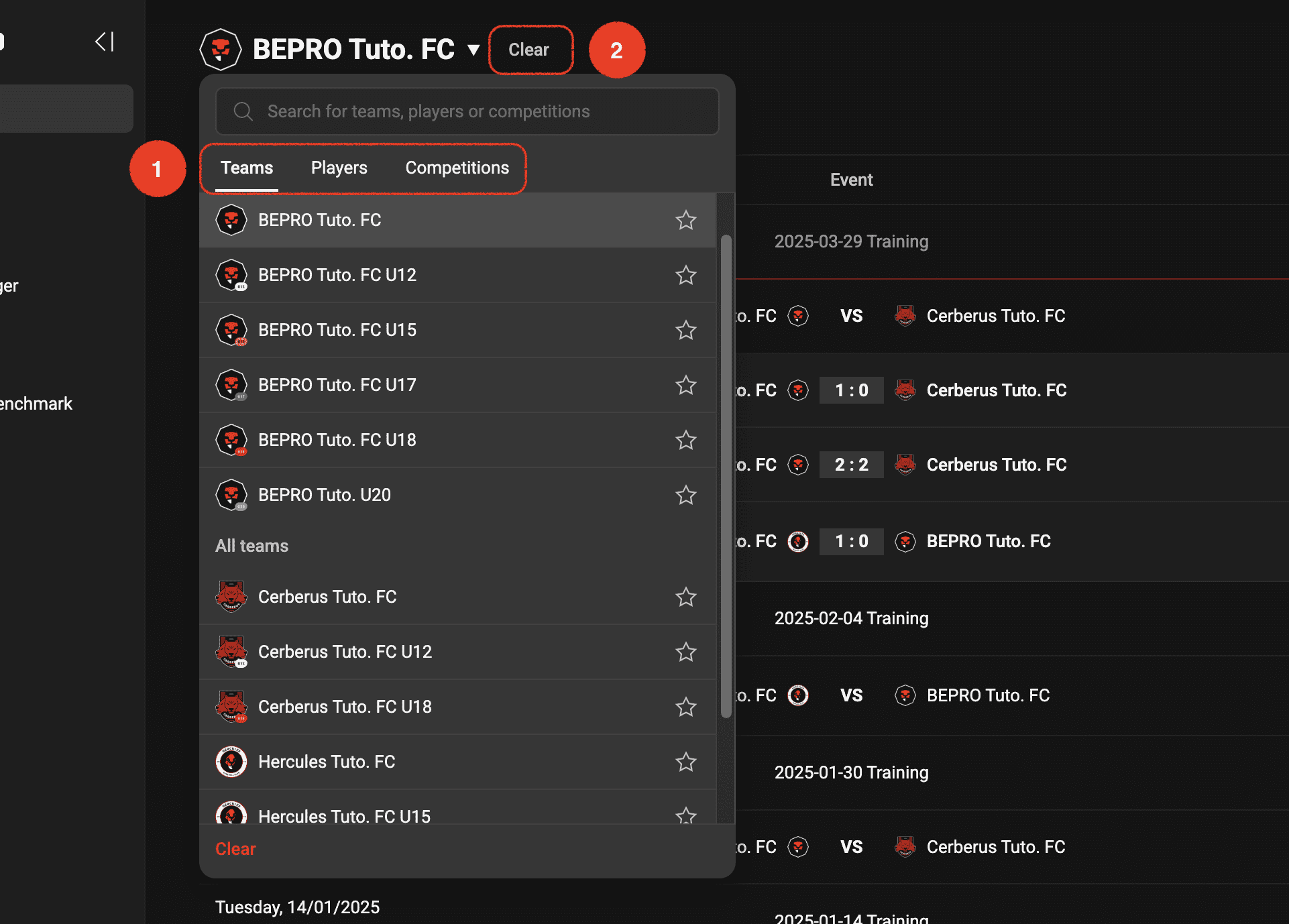
Detailed filters
Schedules can be filtered by date, schedule type, league, and opposing team.
let's look at each one.
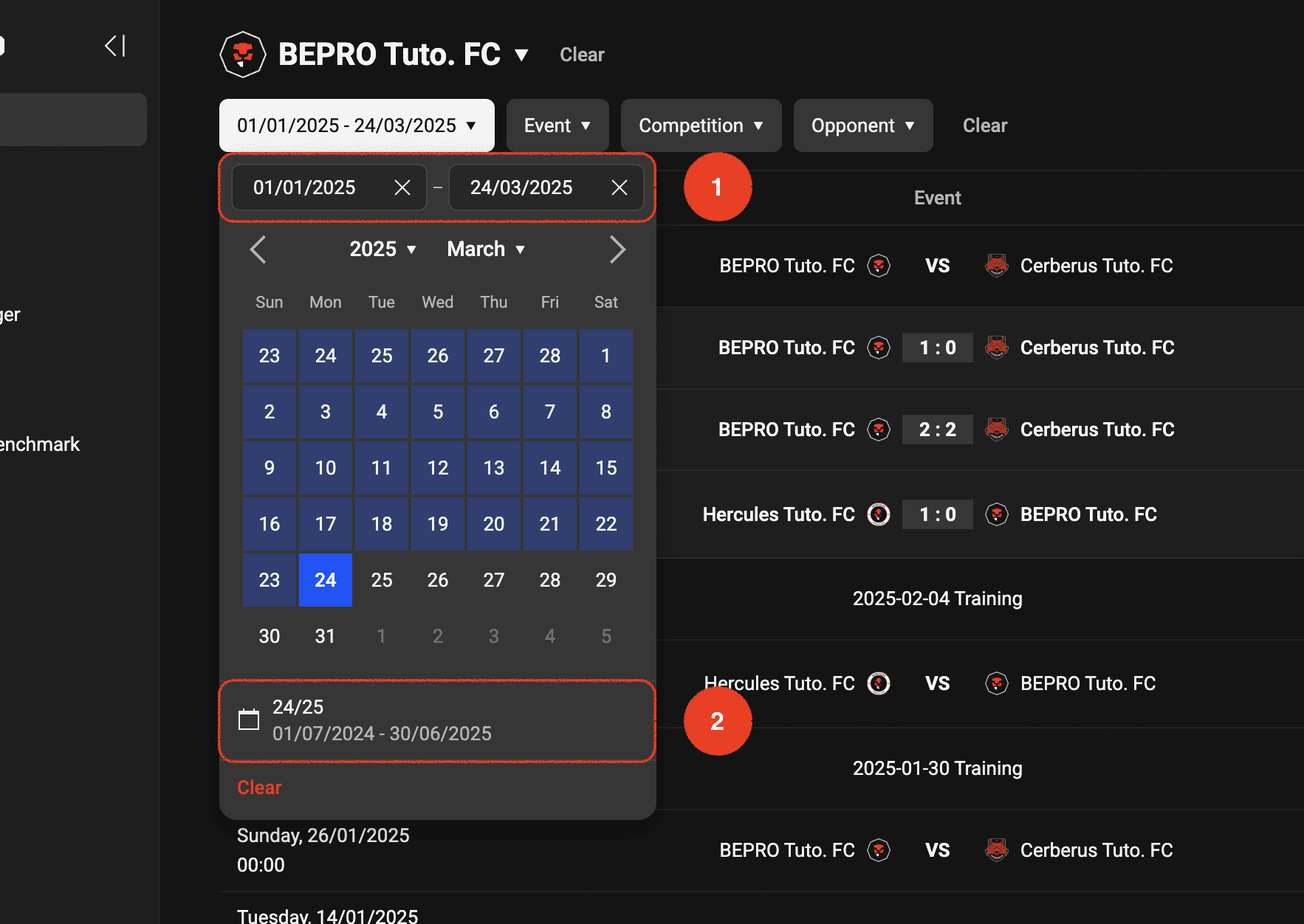
Date filter
You can either specify a date range directly, or if there are officially registered league matches, you can click on period presets entered by season.
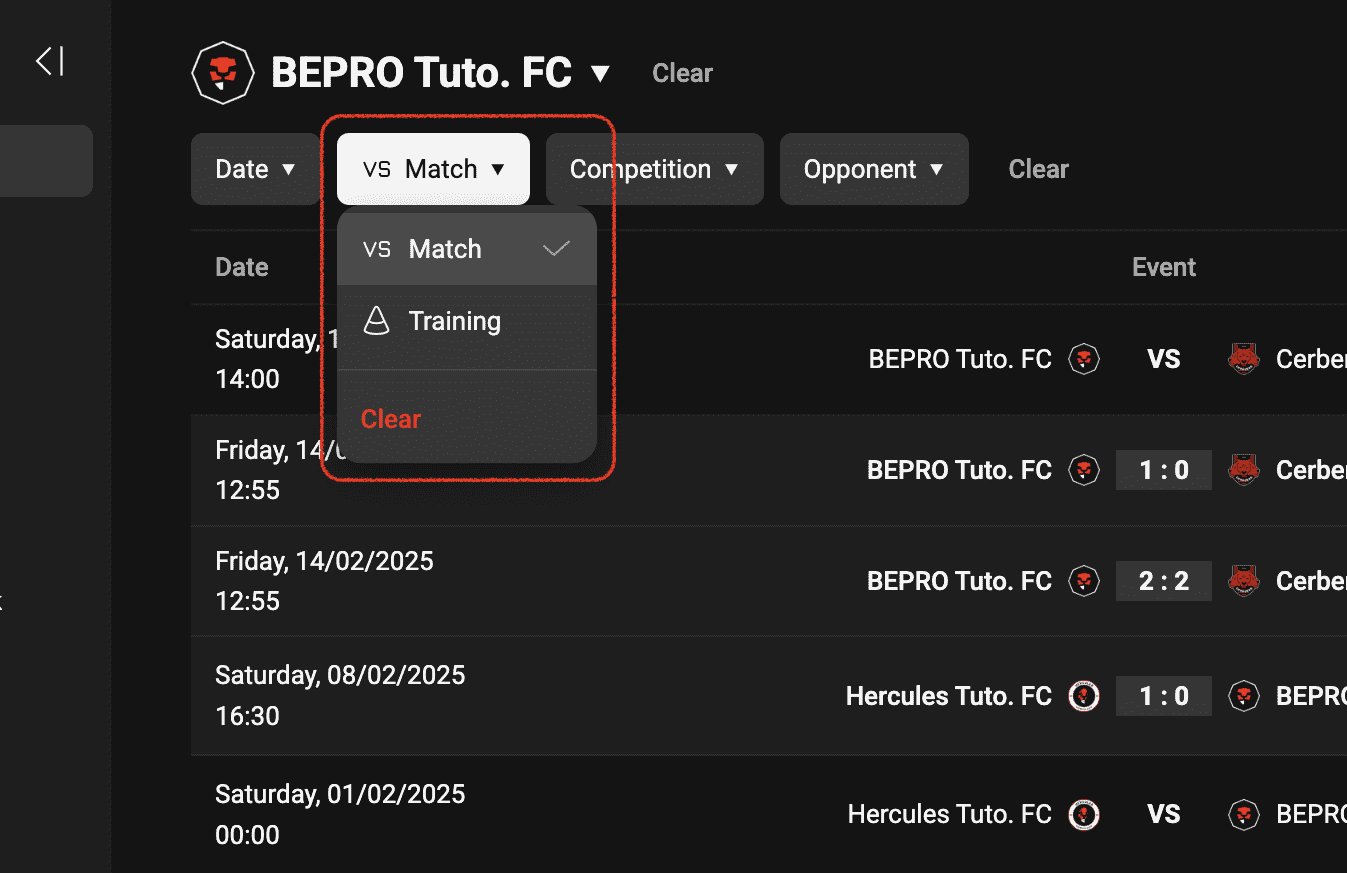
Schedule type filter
You can select your desired schedule type from match/training.
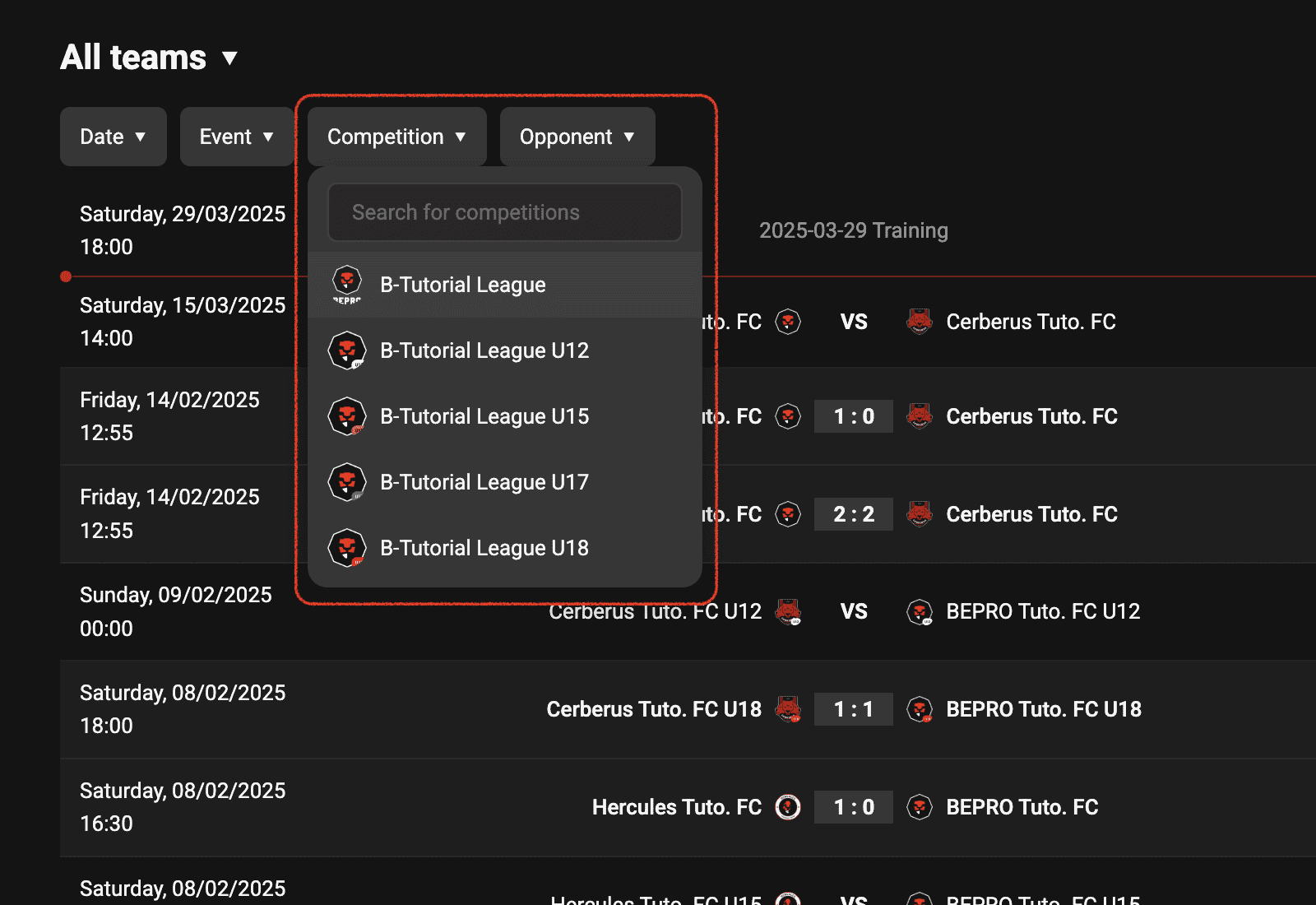
Competitionfilter
If there are matches registered as official competition matches, you can use the competitionfilter.
If a specific team or player is already selected, only competitionsin which the selected target participated will appear in the list.
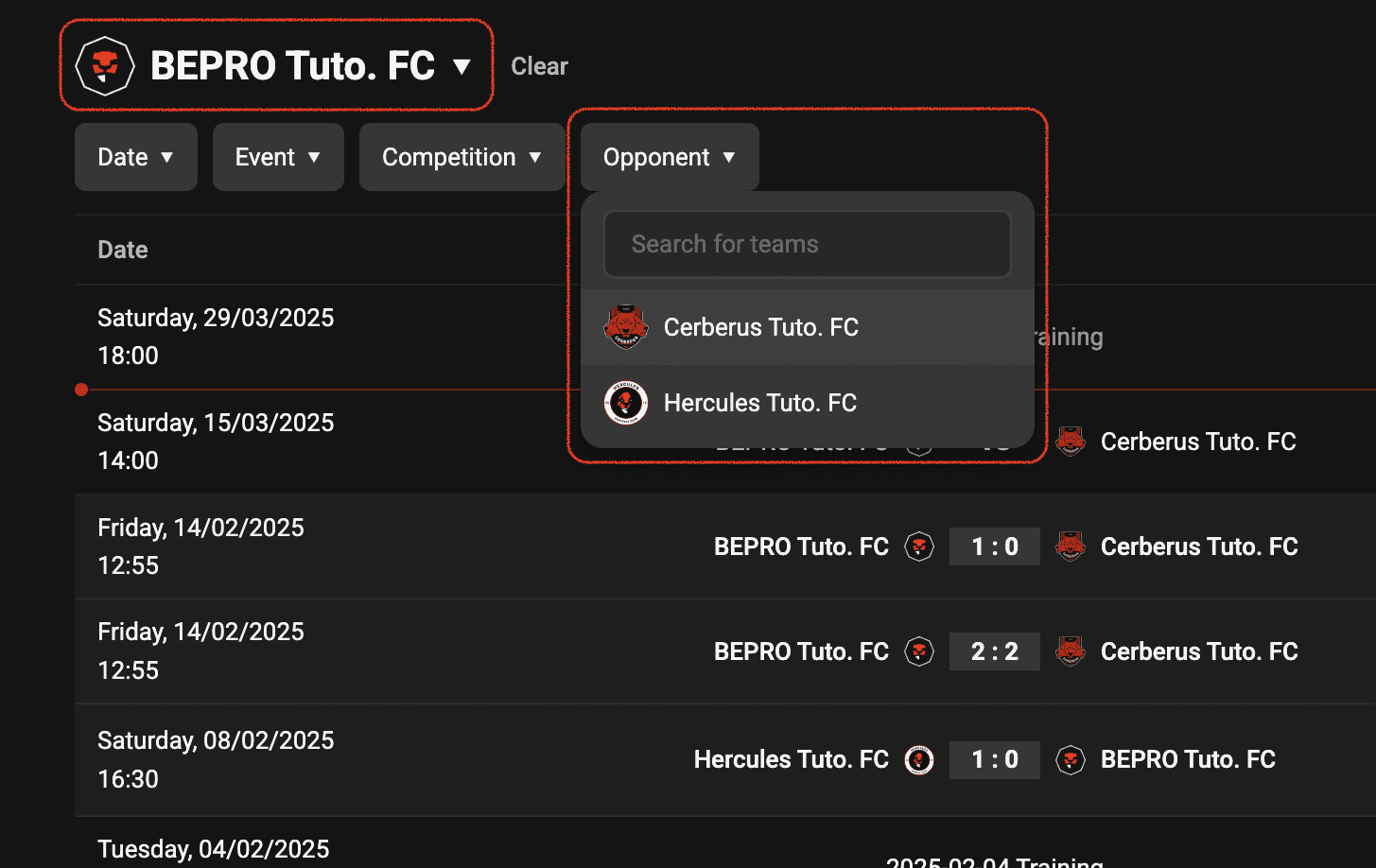
Opposing team filter
You can also filter based on the opposing team, which can be used more effectively when a specific team is already selected.
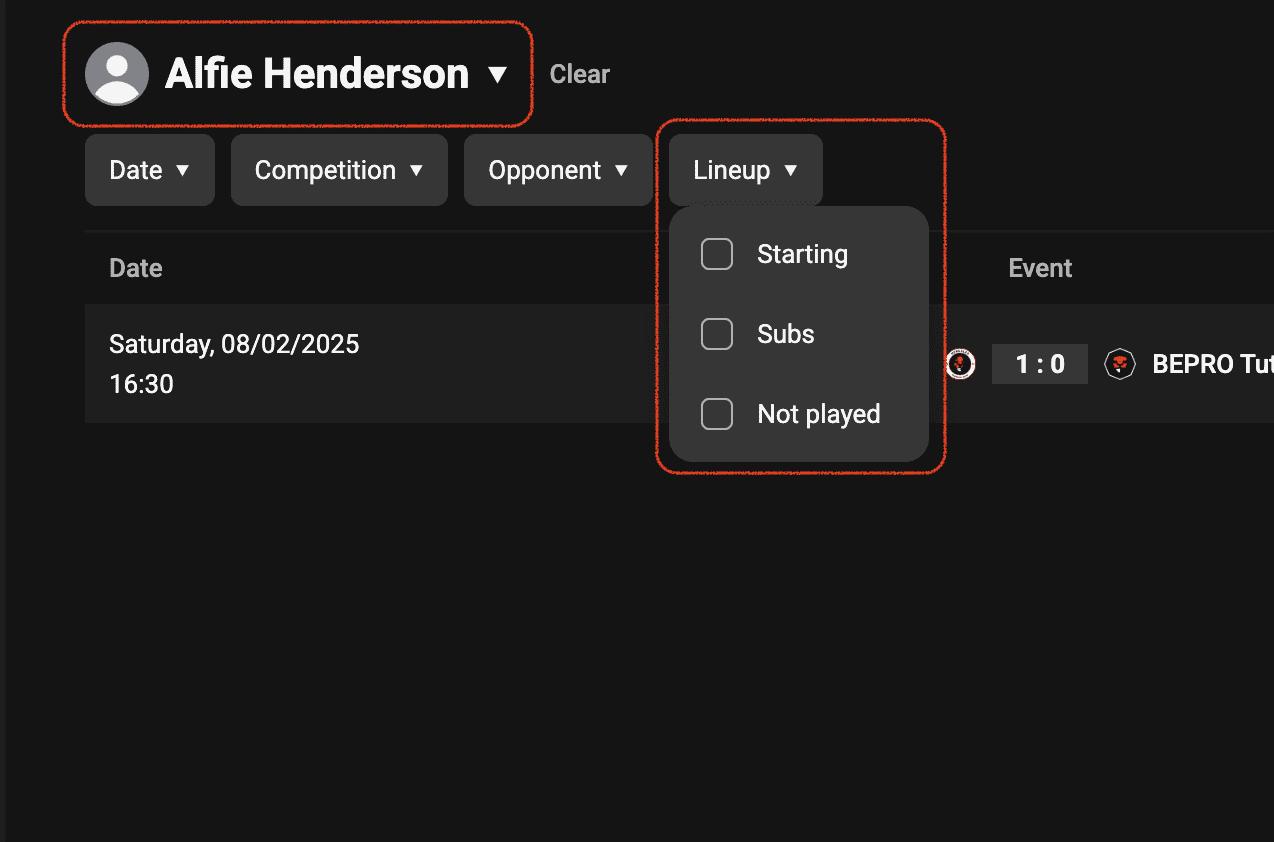
Player starting/substitute filter
If you've selected a player rather than a team or league in the top option, you can filter matches where that player was in the starting lineup, was a substitute, or did not play.
Previous